
Rocket Casino Sign Up: Create Your Account
You must be at least 18 years old to register. Keep your ID handy because the name, date of birth and address you enter must match it exactly — a small typo is the most common reason a payout gets delayed later.
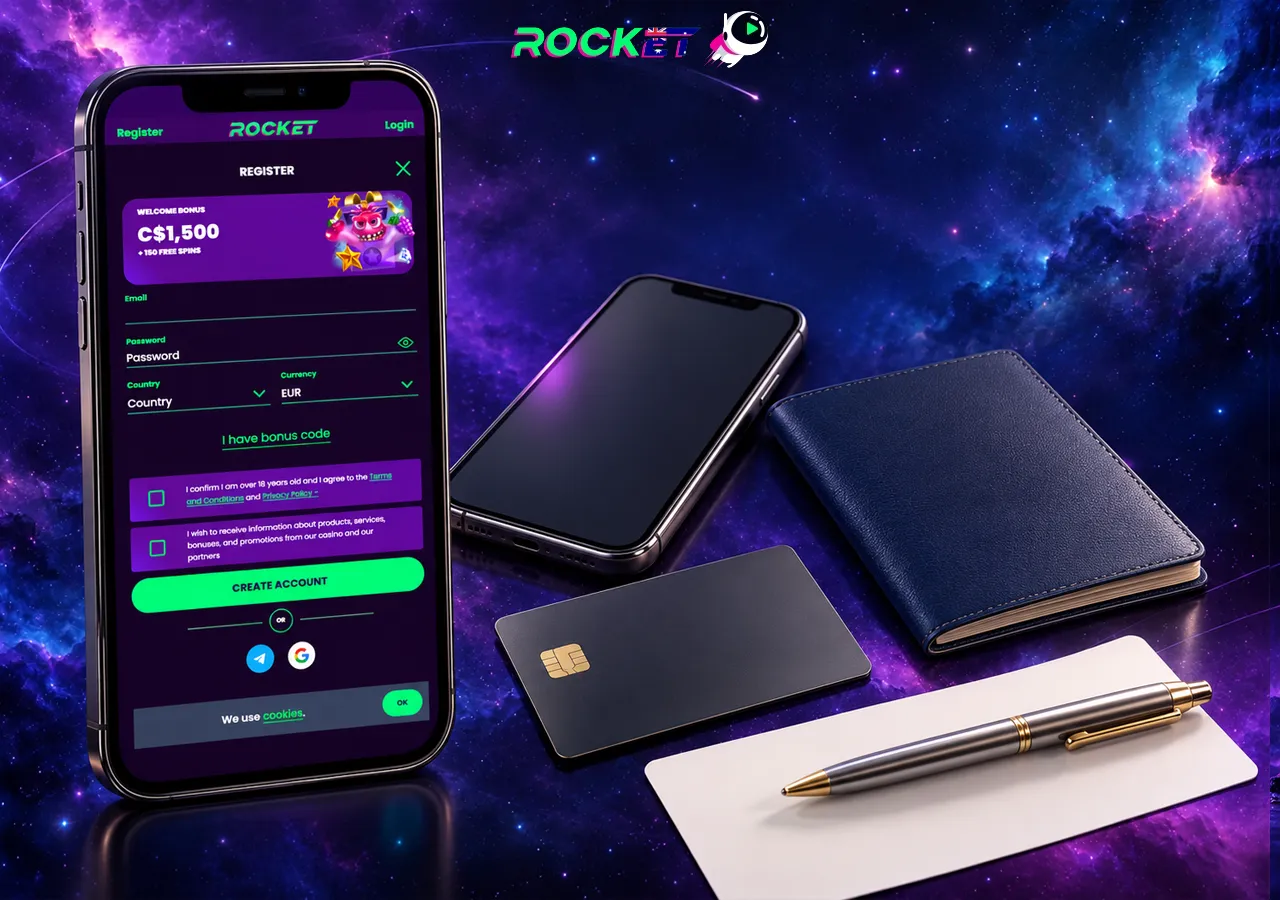
- Open the Casino Rocket site and tap Sign Up in the top-right corner.
- Enter your email address and create a strong password.
- Select AUD as your account currency and accept the terms.
- Click the activation link in the confirmation email (check spam if needed).
- Complete your profile with your legal name, date of birth and address.
- Make a first deposit of AU$30 or more to unlock the Rocket Casino welcome bonus.
Rocket Casino Login Step by Step
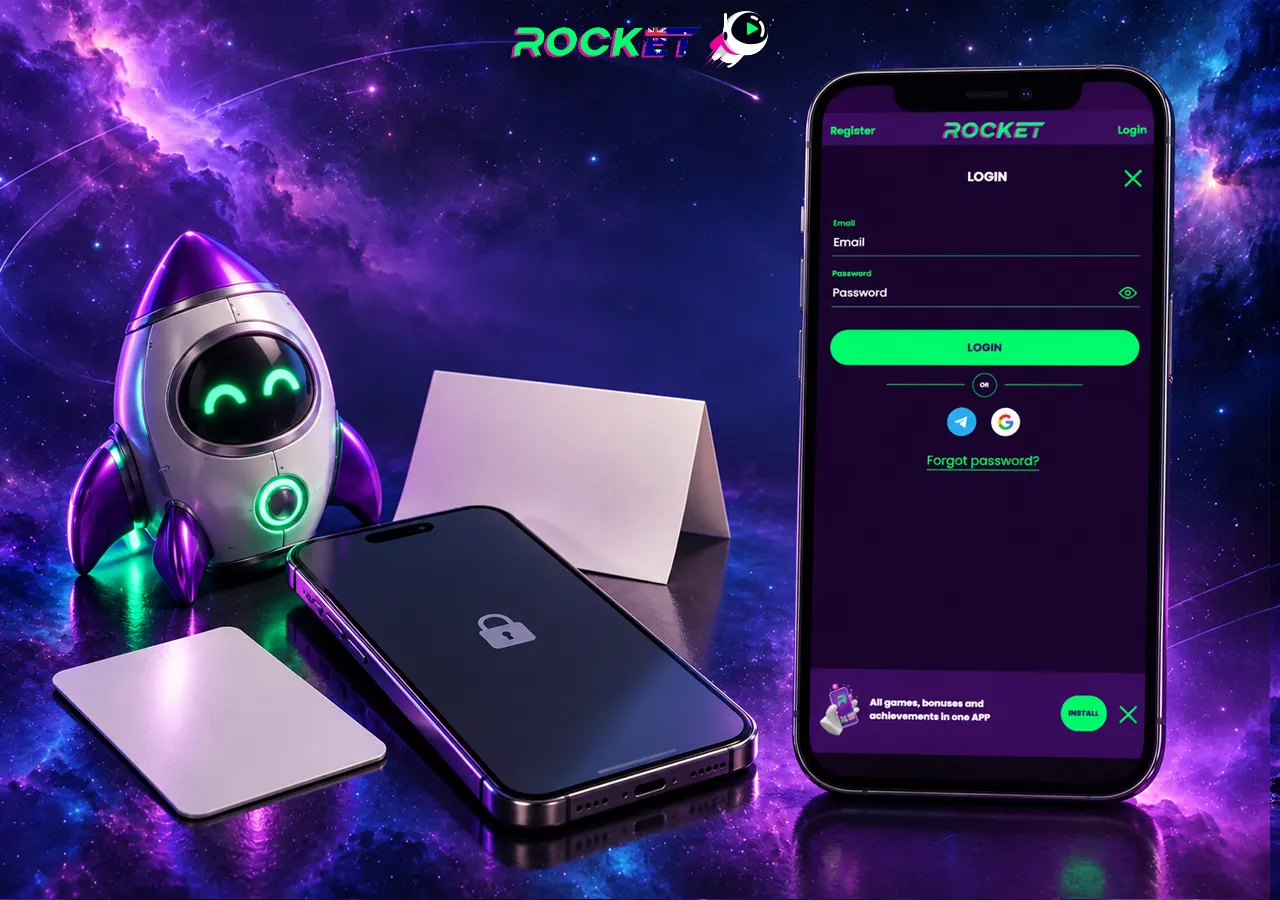
- Go to the official Casino Rocket site or tap the app icon on your home screen.
- Press Log In at the top of the page.
- Enter the email and password you used at Rocket Casino sign up.
- Tick “remember me” only on a personal device.
Fixing Rocket Casino Login Problems
| Problem | Fix |
|---|---|
| “Wrong password” | Check Caps Lock and any saved browser password, then use Forgot password. |
| Reset email not arriving | Look in spam/promotions, wait 5 minutes, then ask live chat. |
| Account locked | Too many attempts or a pending review — support can unlock it. |
| Site will not load | Clear cache, try another browser or switch between Wi-Fi and mobile data. |
| Using a RocketPlay login | Rocket Play accounts do not work here — create a Casino Rocket account. |
Verification (KYC) Before Your First Withdrawal
Casino Rocket checks your identity before releasing real money winnings. The review must be completed within 14 days of the withdrawal request, so it pays to upload everything right after registration:
- Photo ID — passport or Australian driver licence, all four corners visible.
- Proof of address — utility bill or bank statement from the last three months.
- Payment proof — card photo (middle digits covered) or an e-wallet screenshot.
Clear colour photos are fine. Documents not in the Latin alphabet may trigger a short video call. Once approved, future withdrawals move much faster — see our Rocket Casino withdrawal guide for timings.
Keeping Your Account Secure
- Use a unique password you do not use on any other site.
- Never share login details with “support” through social media DMs.
- Log out on shared computers and avoid public Wi-Fi for cashier actions.
- Set deposit and session limits from day one — see responsible gambling.
FAQ
I forgot my Rocket Casino password. What now?
Press Log In, then Forgot password. Enter your email and follow the reset link. If it does not arrive within a few minutes, check spam, then contact live chat.
Can I change my account currency after Rocket Casino sign up?
No. The currency is fixed at registration, so choose AUD if you want to deposit and withdraw in Australian dollars.
Do I need to verify my account to play?
No. You can deposit and play straight away. Verification (KYC) is required before your first withdrawal and before bonus winnings can be cashed out.
Why is my Rocket Casino account locked?
Usually after several wrong passwords in a row, or while documents are under review. Live chat can unlock it after confirming your identity.
Does my Rocket Play login work at Rocket Casino?
No. RocketPlay is a different casino. You need a separate Casino Rocket account — logins and balances are not shared.
Can I have more than one account?
No. The terms allow one account per person. Duplicate accounts can be closed and their bonuses forfeited.
More Rocket Casino guides
Rocket Casino Australia review
Licence, ratings, pros and cons of Casino Rocket in one place.
Rocket Casino bonus & free spins
Welcome package, Missions, reloads and wagering maths.
Best online pokies Australia at Rocket Casino
Top real money pokies, providers, RTP and live tables.
Rocket Casino real money payments
Deposits, withdrawals, AUD limits and payout times.
Casino Rocket app
Install Rocket Casino on Android, iPhone or PC.
Casino Rocket VIP club
VIP tiers, loyalty points and Bonus Shop at Rocket Casino.
Ready for lift-off?
Open an AUD account, deposit AU$30 or more and take the first part of the welcome package: 100% up to AU$500 plus 50 free spins.